little computer
a little computer that changes your song's key. by KREATE SOUNDZ.
Put it on your mix bus, tell it the key, and hear the whole beat somewhere else: up a few for a singer, down one for a darker mood. Transients land on time, 808s stay solid, harmonies stay in tune and your stereo image stays exactly where you left it.
download little computer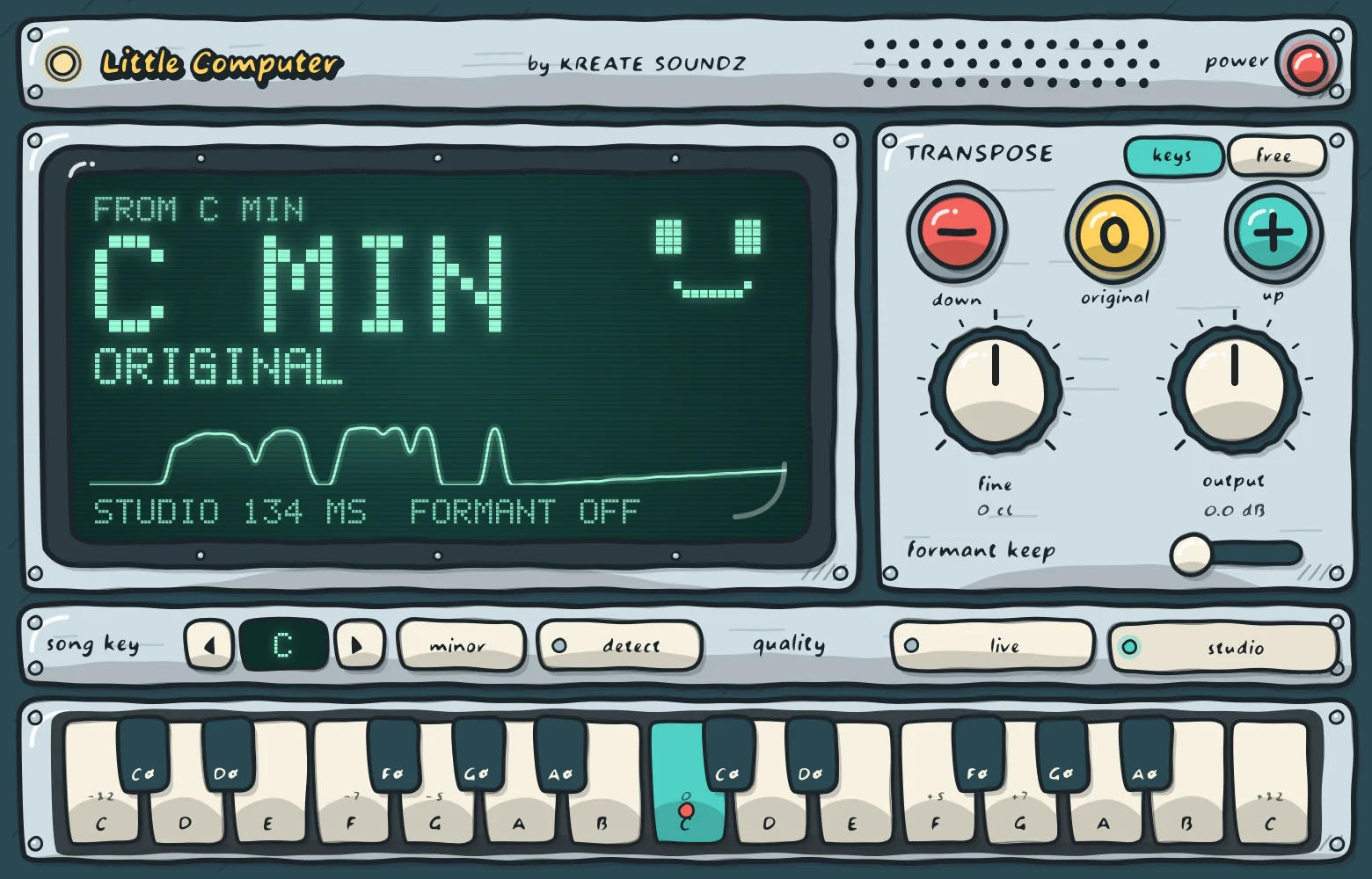
try it✦
Your song's in C minor. Press the buttons or tap a key on the keyboard and Little Computer works out the rest.
TRANSPOSE
The little chord is just a preview of the key. The real thing shifts your whole mix.
what's what✦
Hover a number to see what it does.
- 1the screenwhere you started, where you are now, and the spectrum. he smiles when he's working
- 2down · original · upone semitone at a time, or straight back home
- 3keys | freekeys snaps to semitones. free gives you a smooth fader from -12 to +12
- 4finenudge in cents, for samples that are a little off
- 5outputlevel after the shift
- 6formant keepkeeps voices sounding like themselves instead of chipmunks or giants
- 7song key + detectset the key, or let it listen and work it out
- 8qualitystudio for the best sound, live for 18.5 ms while you play along
- 9keyboardtap the key you want to hear your song in
- 10powerbypass. latency goes to zero too
three ways to shift✦
Pick what you need: the cleanest sound, the fastest response, or no keys at all.
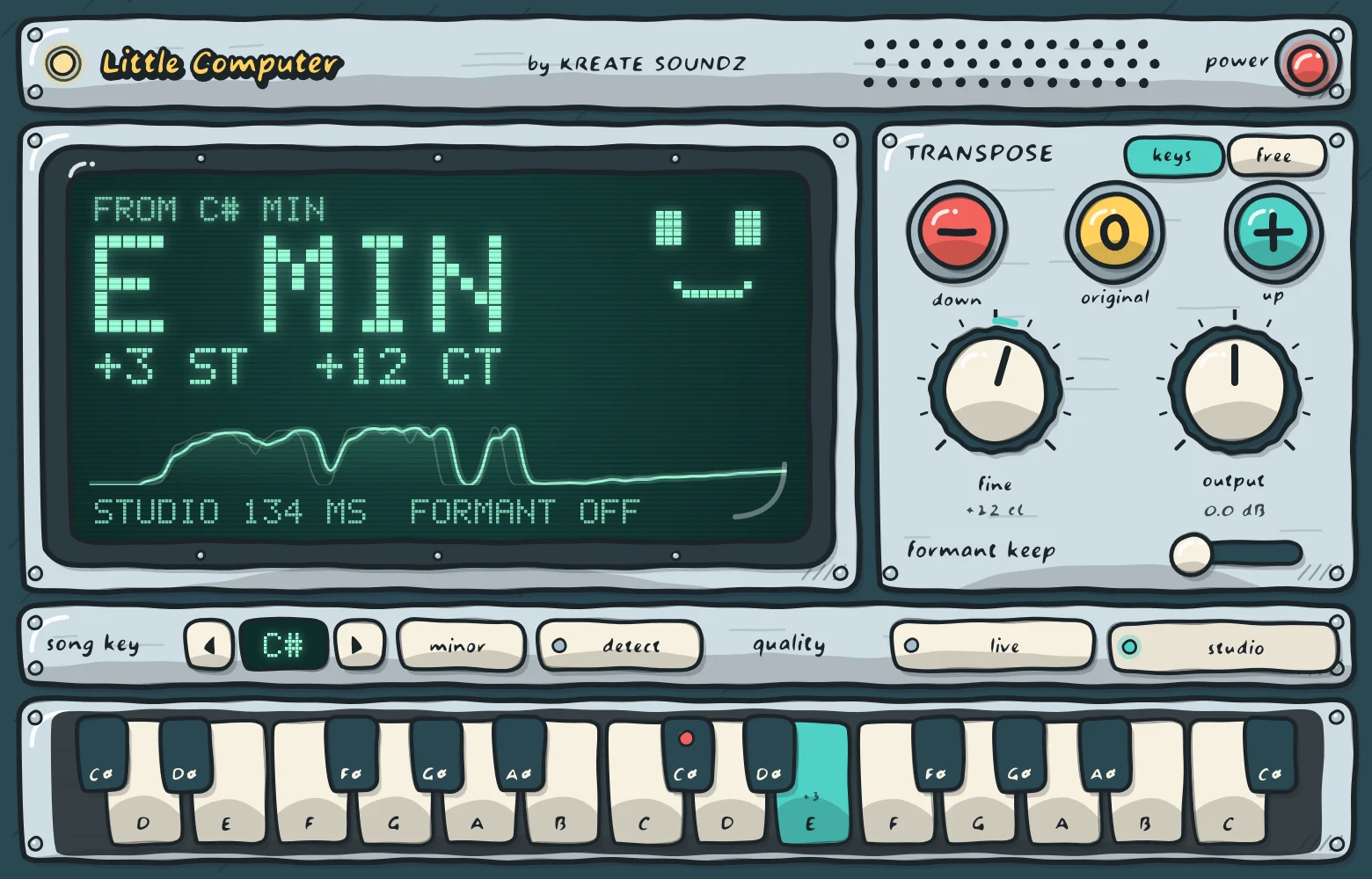
studio
The default. Two engines split at the low end so 808s and kicks stay tight while the top stays detailed. Harmonics stay harmonic, so nothing goes metallic. 134 ms of latency, which your DAW compensates for.
live
18.5 ms, so you can play or sing along while it shifts. A special trick keeps subs clean even with such a short window.
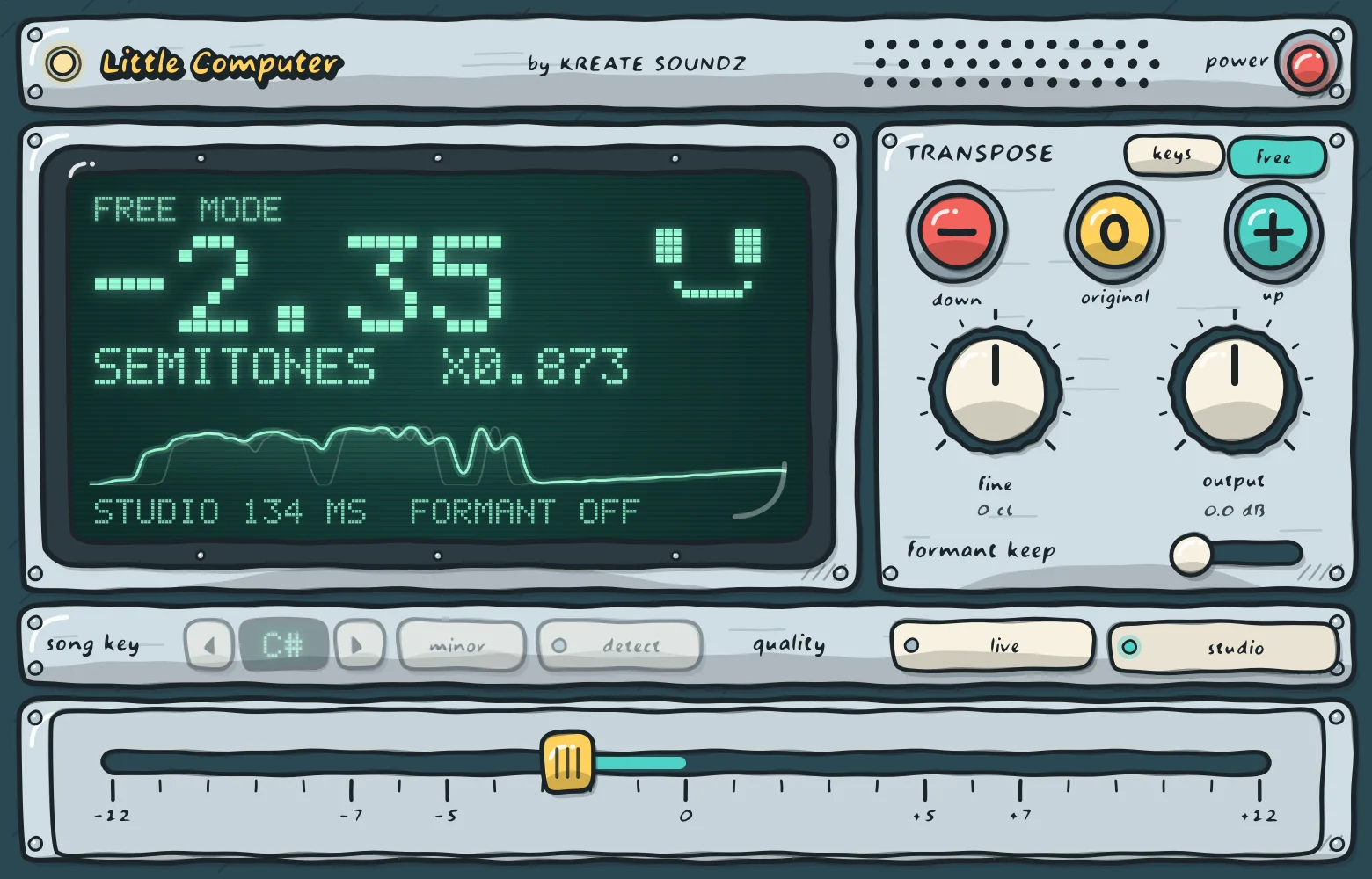
free
Not tied to keys at all. A smooth fader from -12 to +12 semitones, and the screen shows the exact ratio.
listen✦
Original vs shifted. They stay in sync while you flip.
signal flow✦
What happens inside the little computer.
key detect
Works out the key from the notes and the bass, so it doesn't mistake the fifth for home.
two bands
The lows get a long look for steady subs, the highs a short one for sharp transients.
in key, in time
Every harmonic scales together and hits land on the beat. Stereo stays exactly the same.
safety clip
A gentle clipper after the output, so a shifted mix never jumps over 0 dB.
get little computer✦
Drag-and-drop install: the VST3 goes in your VST3 folder, the standalone runs anywhere. Close your DAW before you copy it.
windows
Windows 10 or 11, 64-bit. No installer to trust: just the plugin and a README.
download for windowskeep the robot running✦
Little Computer is free while it's a demo. If it saved you a session with a singer, chipping in keeps the lights blinking.
join the discord